Clone Files Checker for Windows

Your Windows Download Is Ready

The download should begin automatically. If it does not, use the button below to download the official Clone Files Checker installer.

Digitally signed Windows 11, 10, 8.1, 8 and 7 Support available
Three simple steps

Install Clone Files Checker

Download the setup, run it, and follow the installer instructions.

1

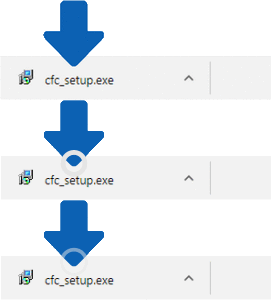
Save the setup

Choose a location for cfc_setup.exe if your browser asks where to save it.

2

Run the installer

Open your Downloads folder and double-click the downloaded setup file.

3

Complete installation

Review the terms and follow the on-screen instructions to finish installing.

Need help with the download?

Visit support if the download does not start or you need assistance installing Clone Files Checker.

Get Support